How to stop receiving messages from organizers
Organizers can e-mail you a message after their event. Here is how to stop receiving these and how to turn them back on; tickets and receipts keep arriving.
After an event, the organizer can e-mail a message to everyone who had a ticket: a thank-you, the photos of the night, the date of the next one. If you'd rather not get these messages, you can stop them in two clicks, and change your mind later.
Stop receiving
At the bottom of the organizer's e-mail, click Stop receiving messages from organizers.
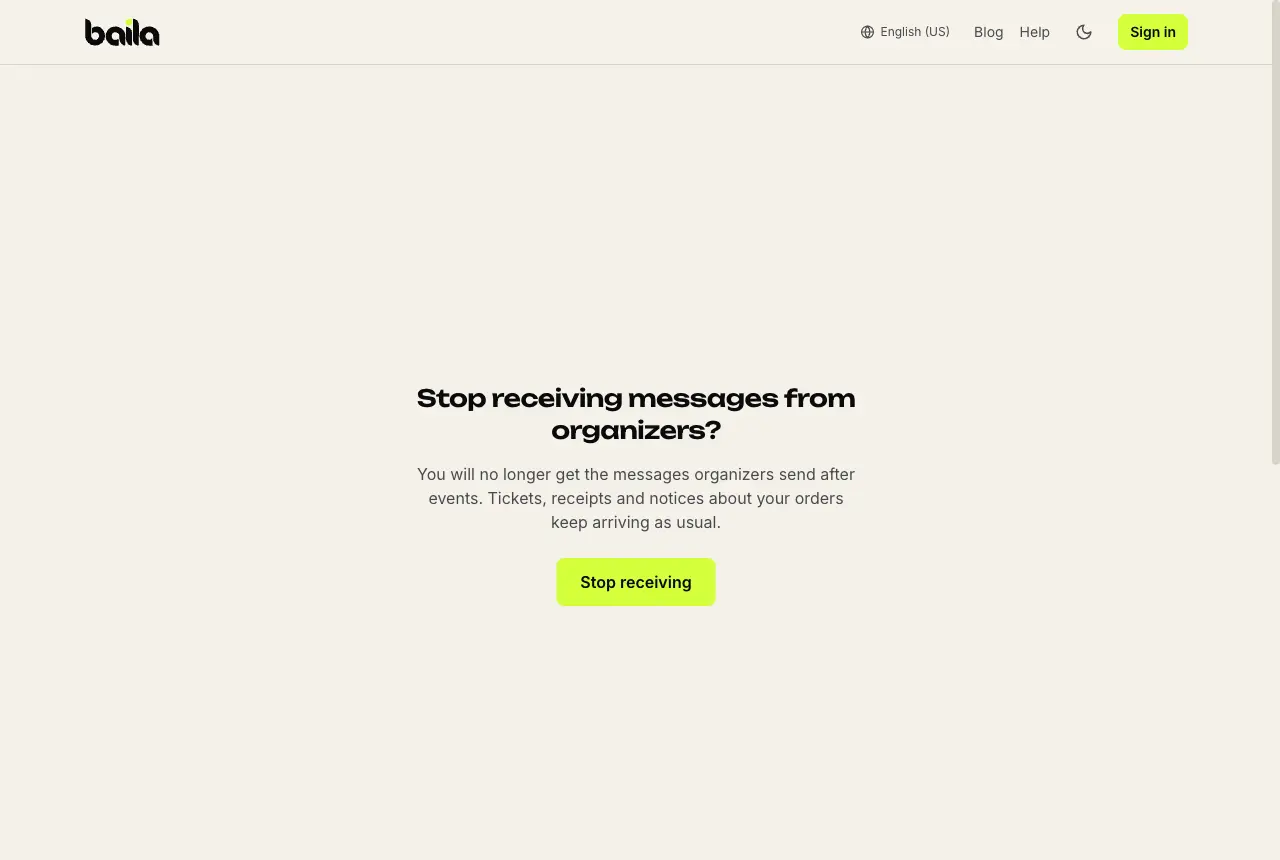
On the page that opens, confirm with Stop receiving.
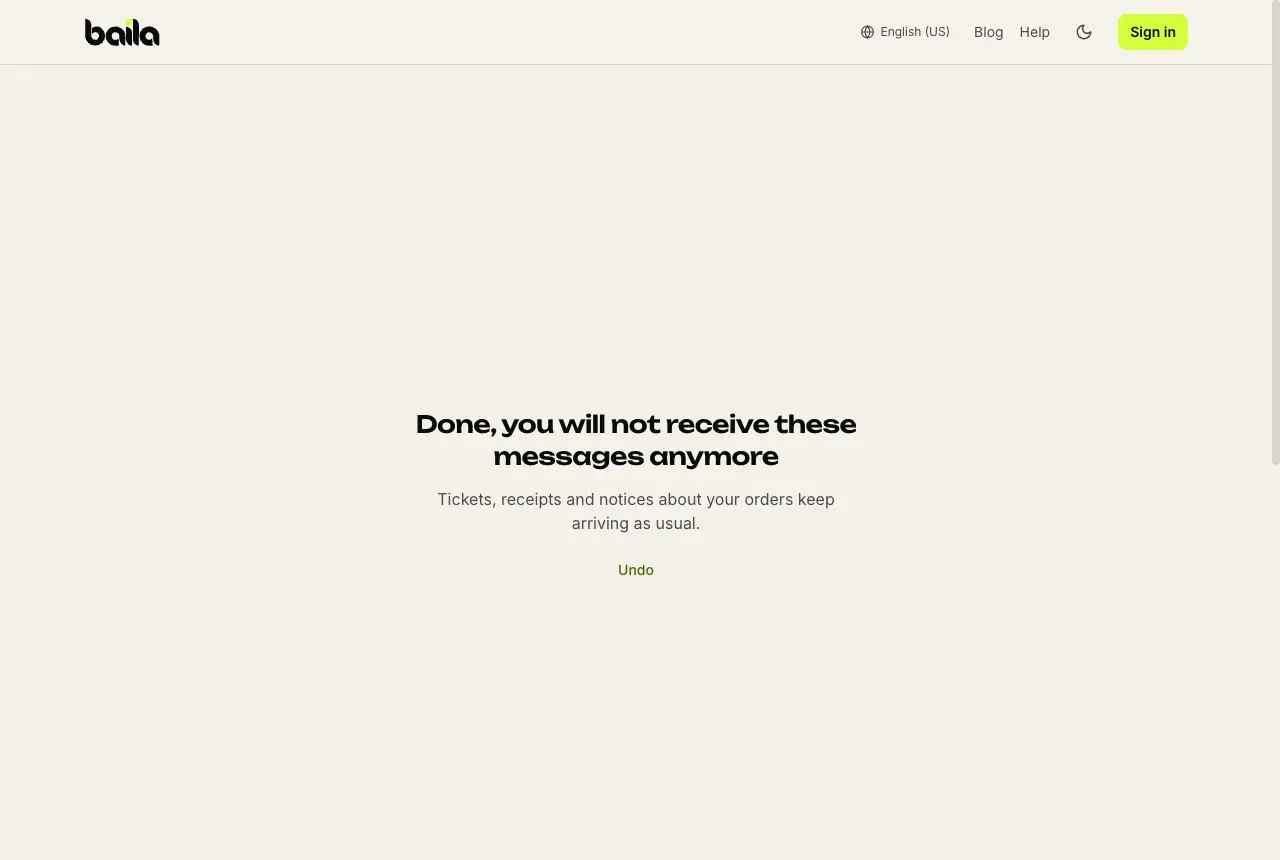
Done. The page shows Done, you will not receive these messages anymore and an Undo button, in case you clicked by mistake.
Some e-mail apps, such as Gmail, also show an Unsubscribe link next to the sender. It does the same.
What changes
- You stop receiving after-event messages from every organizer on Baila, not just that one.
- Still arriving: your tickets, purchase receipts, notices about your orders (such as time changes or refunds) and anything you need to get into the event.
Turn them back on
Right after stopping, use Undo on the same page: it shows Messages turned back on.
Changed your mind later? Open the Stop receiving messages from organizers link in any older message. On the page, click Stop receiving and, on the next screen, Undo: messages come back from the next event on.
Frequently asked questions
Why did I get a message from an organizer? Because you had a ticket for their event. The message goes out once, 1 hour after the event ends, to everyone who had a valid ticket, checked in or not.
The footer link says it is not valid. What now? Open the link in the most recent organizer e-mail you received. If it still doesn't work, reach support through the help center.
Does stopping cancel my ticket or my account? No. Your tickets, orders and account stay the same. Only the after-event messages stop.